

Before creating a New bibliographic record or using + Create analytic in the FI-Admin system, it is necessary to check whether the record already exists in the system in order to avoid duplication.
It is important to emphasize that LILACS has documentation spanning more than 40 years and has been updated over time by hundreds of Cooperating Centers across the countries of Latin America & the Caribbean, in addition to hundreds of other databases also managed in the FI-Admin system. For this reason, there is a high possibility that an older document may already be registered. Therefore, perform several searches before registering a document.
Guidelines:
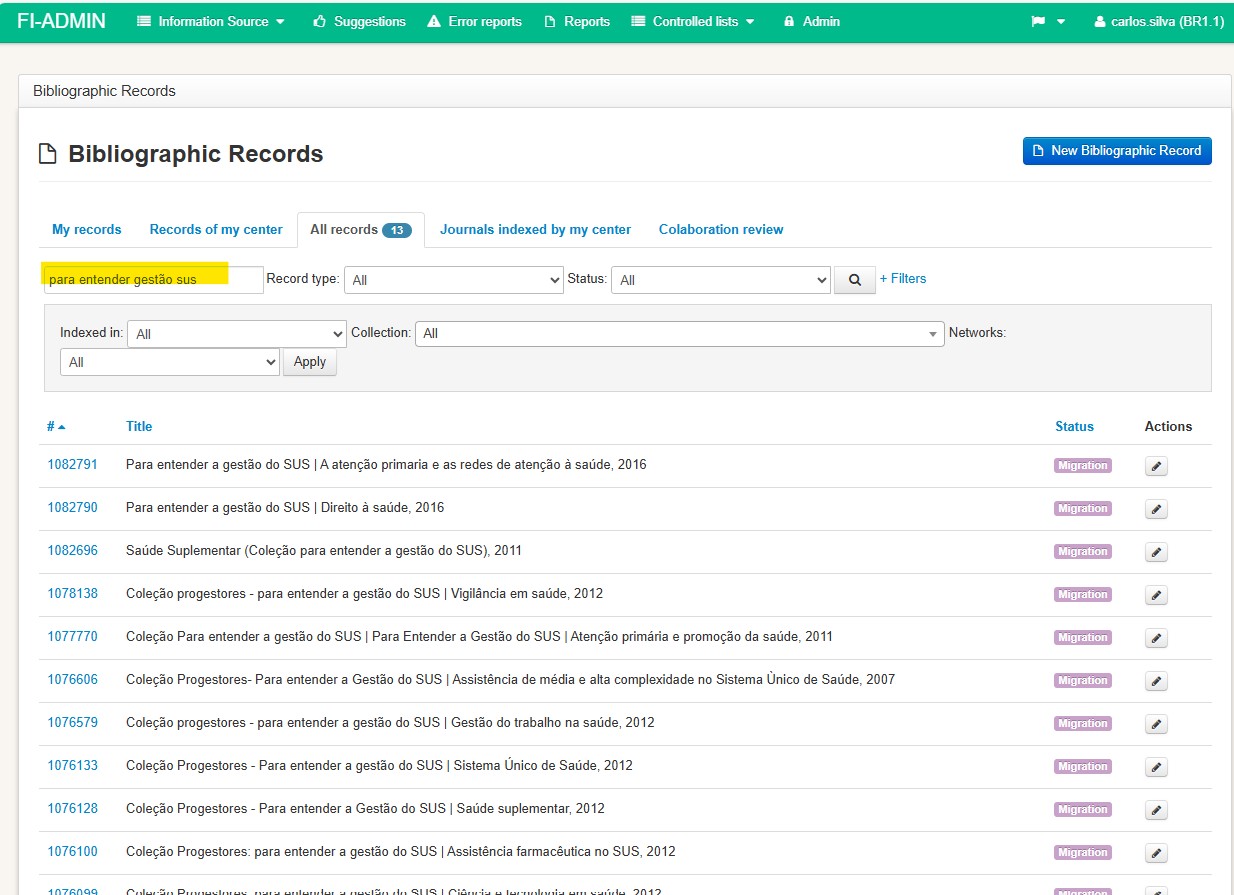
- Access the All records tab;
- In the search box, search using significant words from the document title;
- Remember to remove the “:” since this symbol prevents the document from being retrieved.
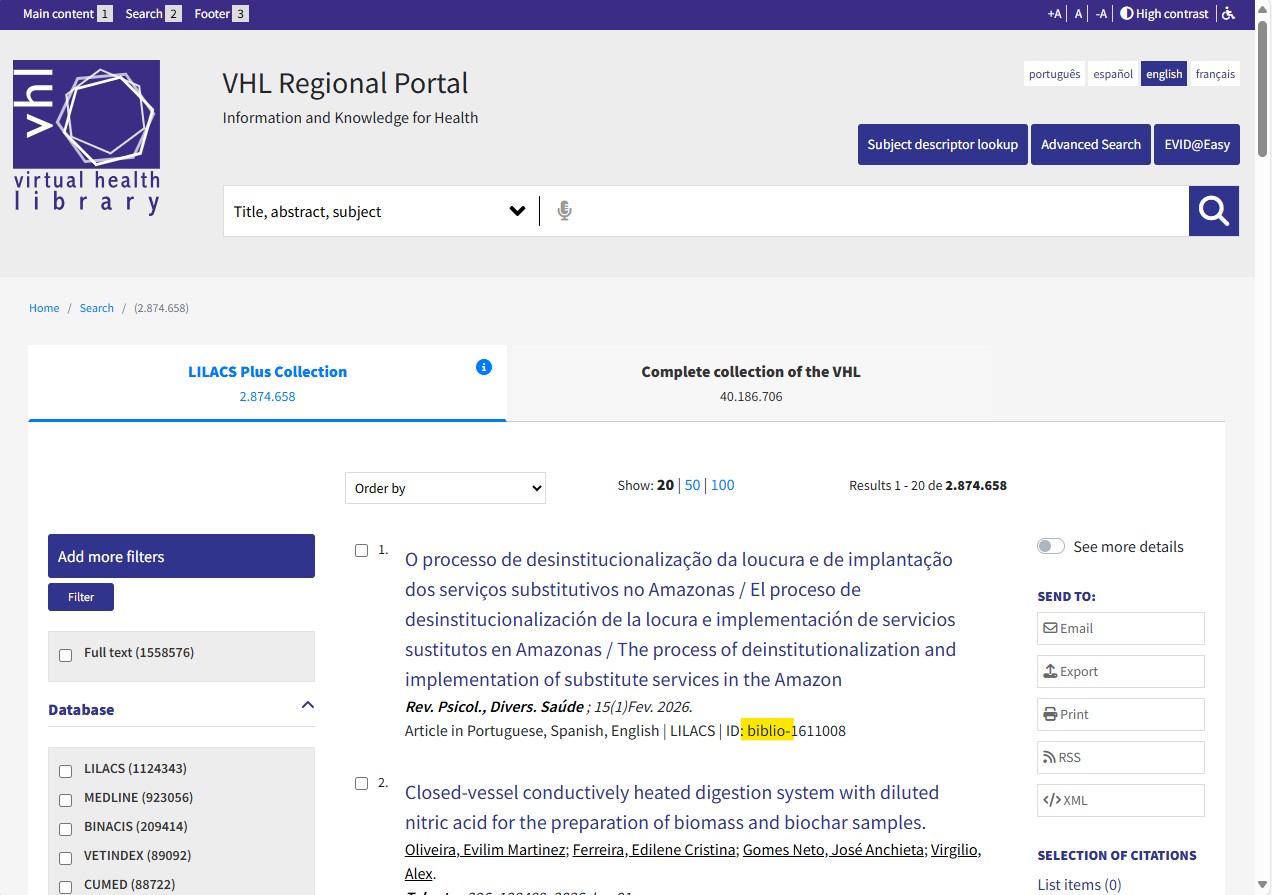
If you have the impression that you have already seen this record in the VHL, perform a search in the VHL Regional Portal to confirm. If the record ID prefix is biblio- or lil-, the record exists in FI-Admin.
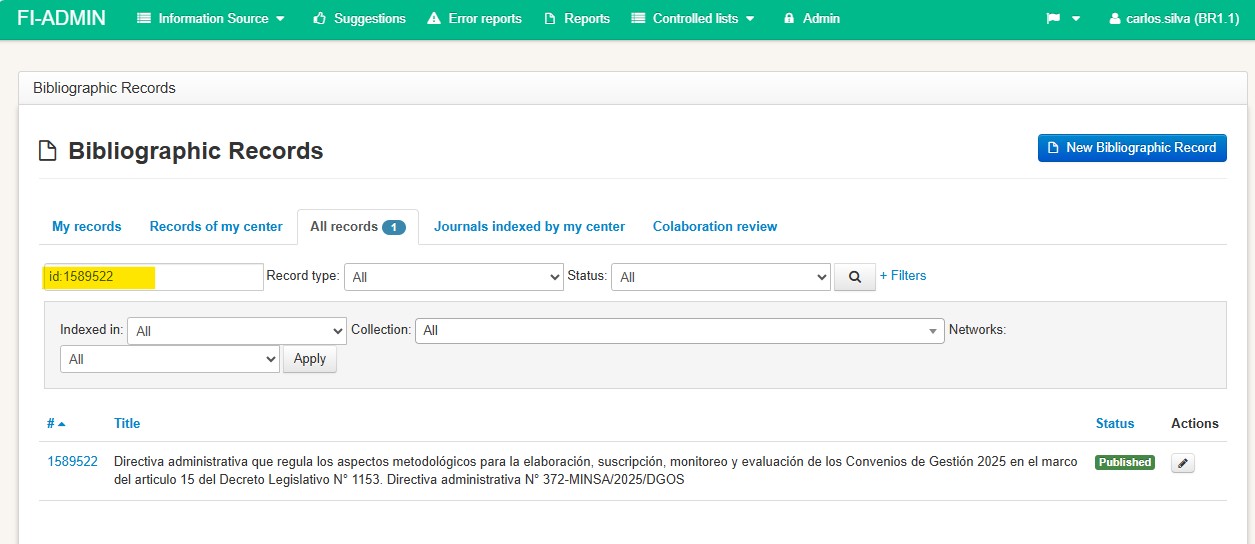
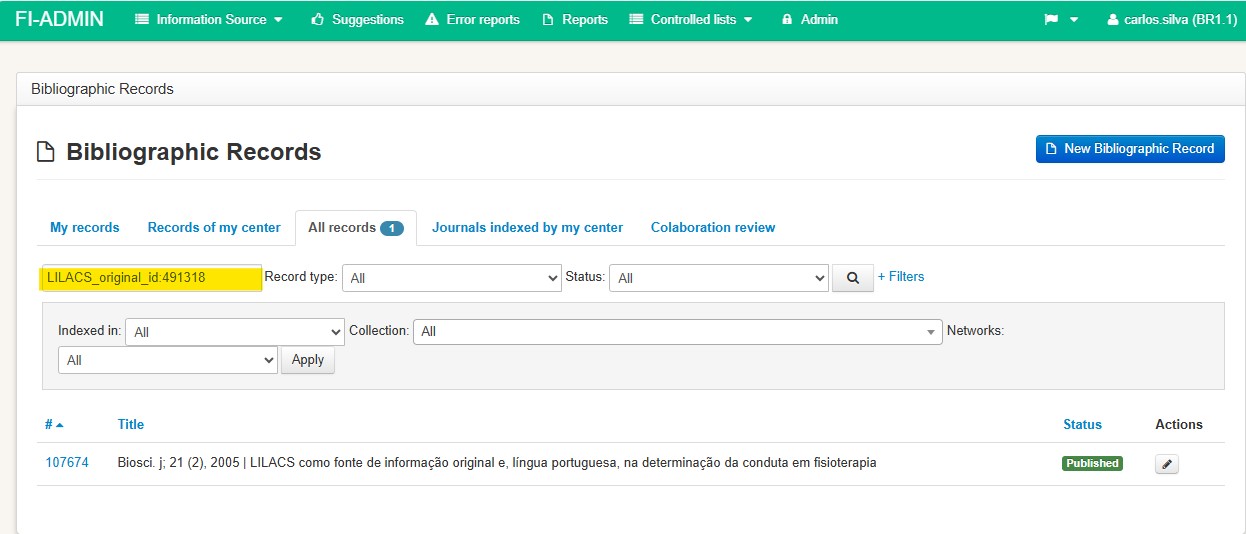
To search in FI-Admin by the ID shown in the record, use the following prefixes: id: for records with the prefix biblio- and LILACS_original_id: for records with the prefix lil-.
Create a new record only if the search does not retrieve any existing record.
If one is retrieved, check if it is indeed the same edition and year.
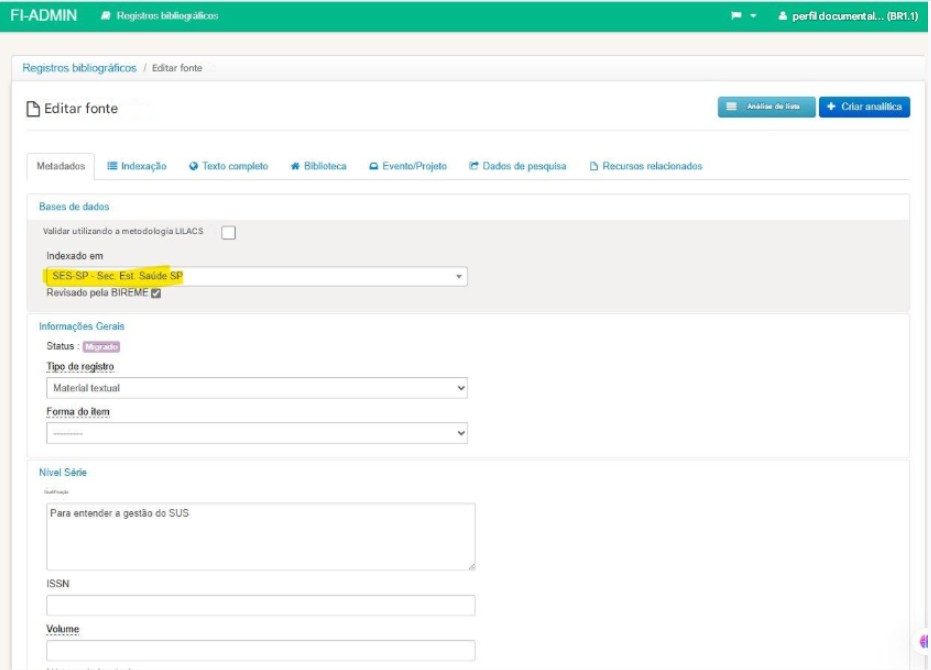
If it is, include this record in the database to which you want to contribute.
If you have the printed document, also record its physical location in the Library tab.
Otherwise, create a new record.