
In all FI-Admin tabs, it will be possible to search or filter the records created by the documentalist, by the Cooperating Center, or by the entire cooperation network.
It is always recommended to perform the search and filter the results in the “All records” tab for more comprehensive results.
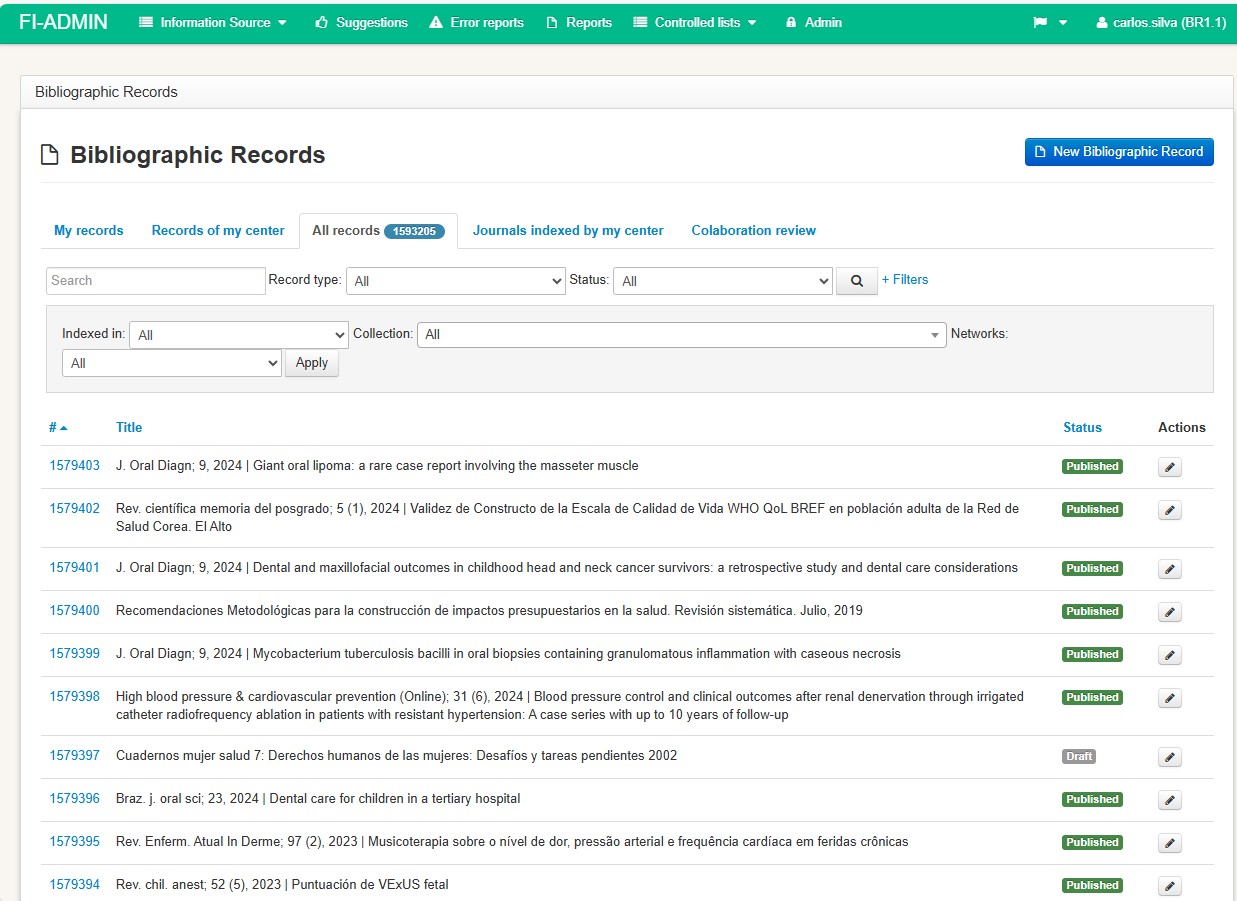
The search options and filters consist of:
Search box
- General recommendations: enter meaningful terms from the title and exclude the colon (“:”) that appears between the title and subtitle.
- To retrieve by record ID, use the prefixes id: or LILACS_original_id.
- See more details in item 4: Document search procedure before registration.
- Filter by record type
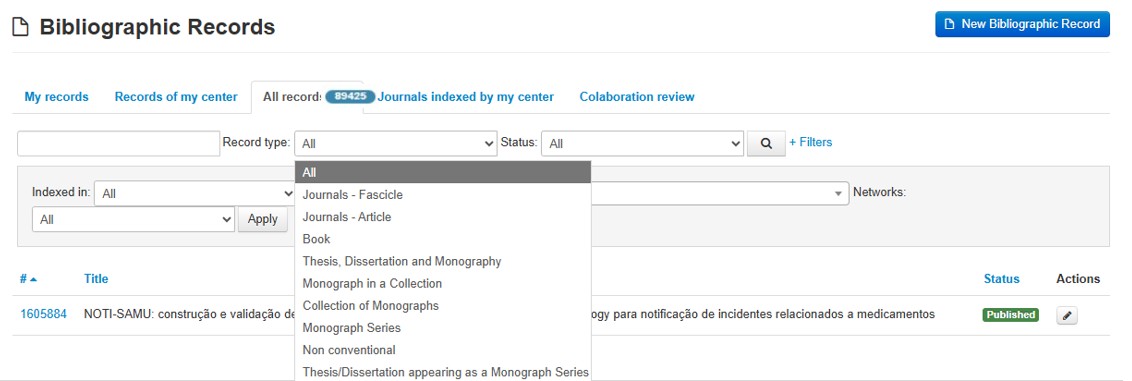
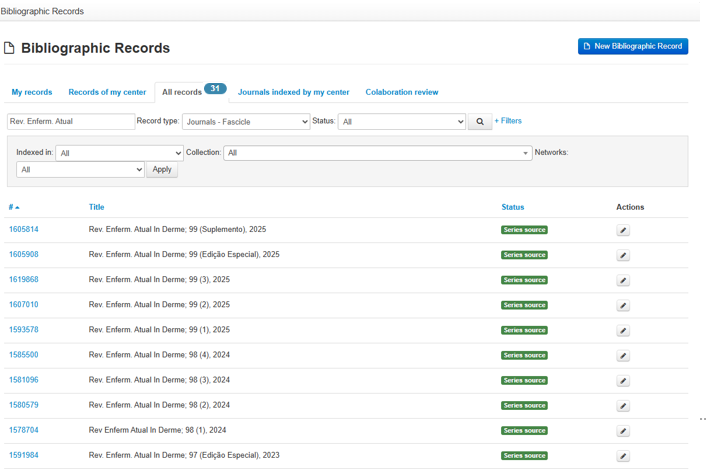
Retrieval is consistent when we correctly specify the type of content we want to retrieve. For example, if I want to find out which issues of a journal already have a source record created, I can enter the journal’s abbreviated title in the search box: Rev. Enferm. Atual In Derme, and we will see that there are 31 source records already described.
If I want to retrieve all the articles (analytics) available for this journal title, I select the record type Journal – Article, and 812 records will be retrieved.
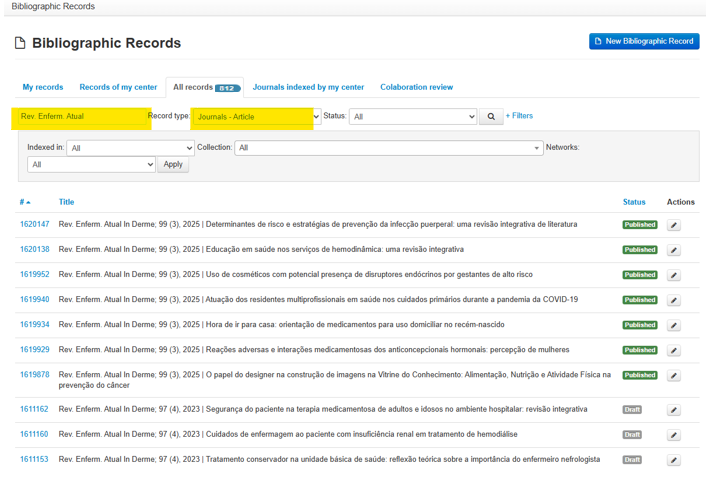
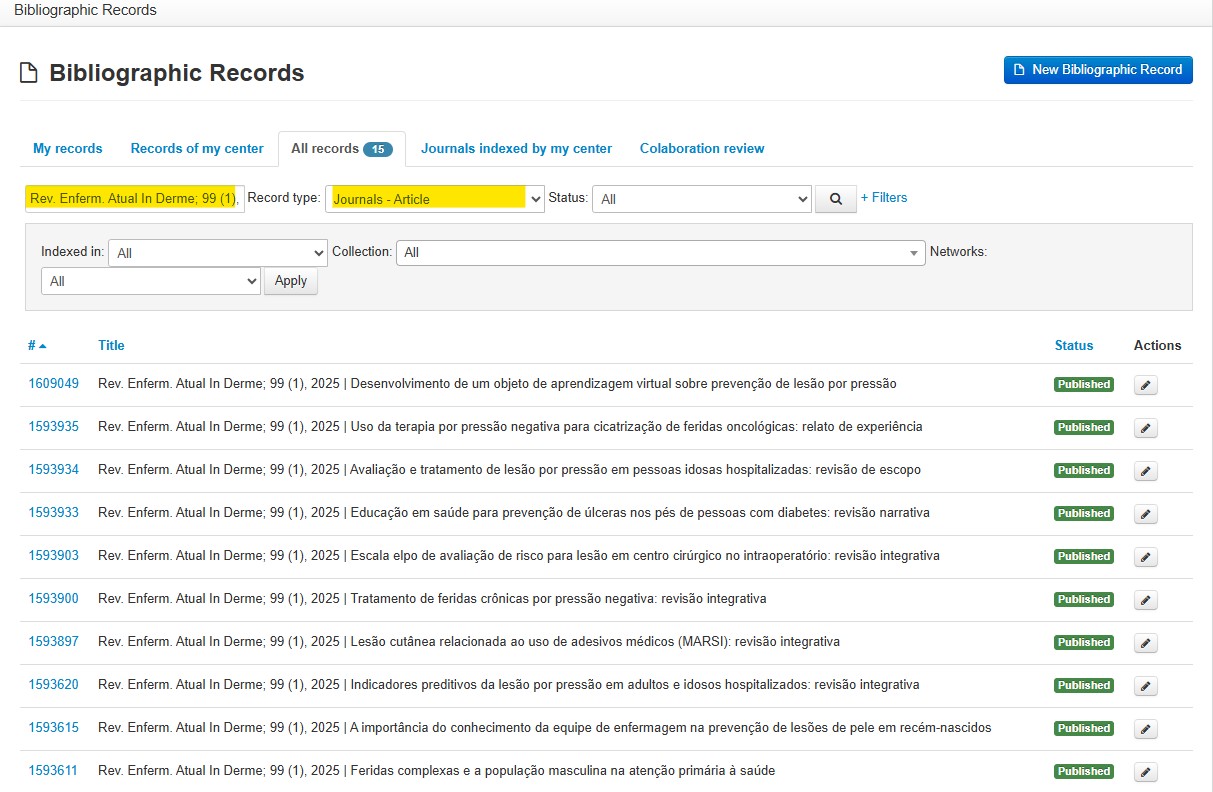
Another example is the search for articles from a specific issue of the journal: Rev. Enferm. Atual In Derme; 99 (1), 2025
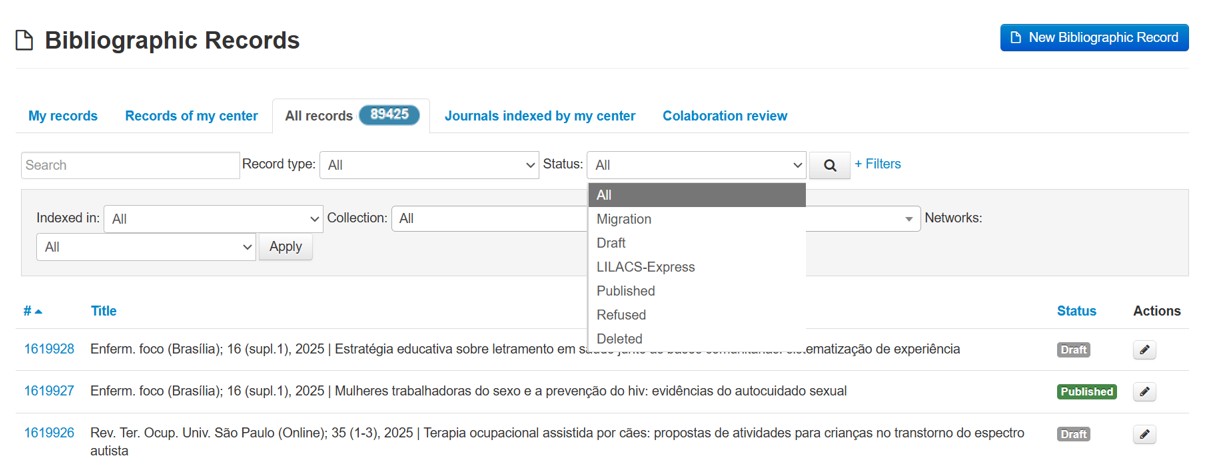
- Record Status
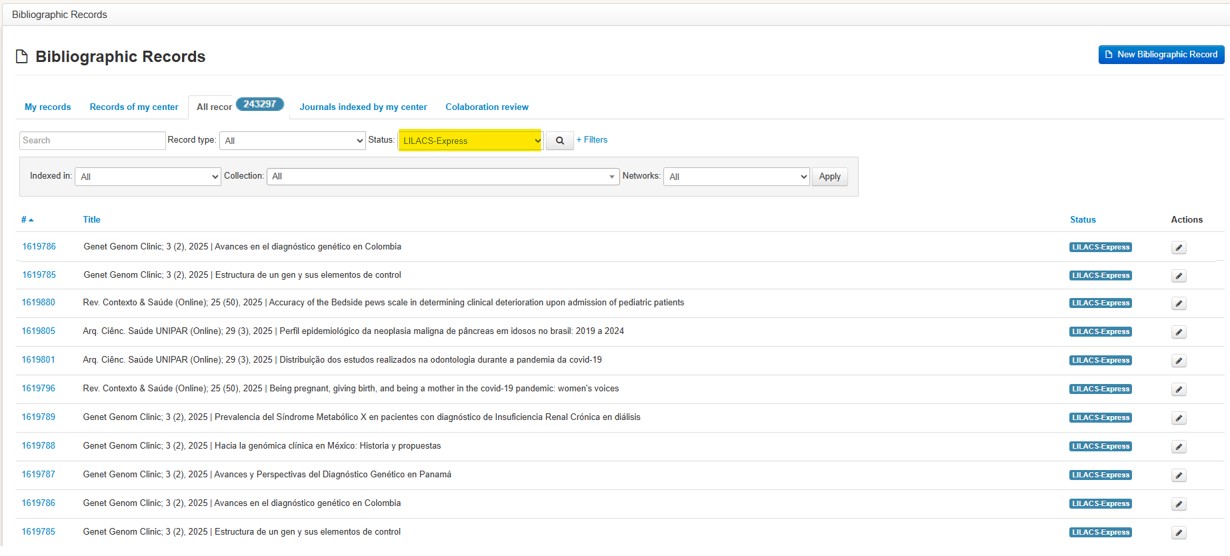
This filter can be used to identify all records with the LILACS-Express status, and in the example we can see that there are 243,297 records with this status.
See more about record statuses in item 3.7 Display and availability timeframe of records in the search interfaces.
- Database where the record was indexed
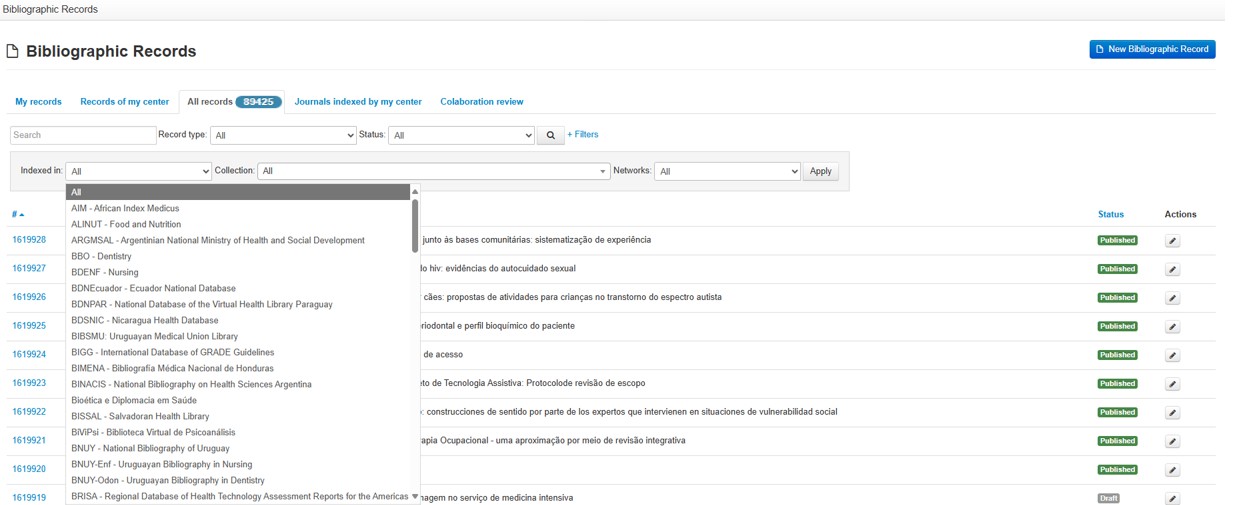
The Indexed In filter, when combined with the Monographic Series record type, indicates that the SES-SP – Sec. Est. Saúde SP database contains 3,539 records of this document type.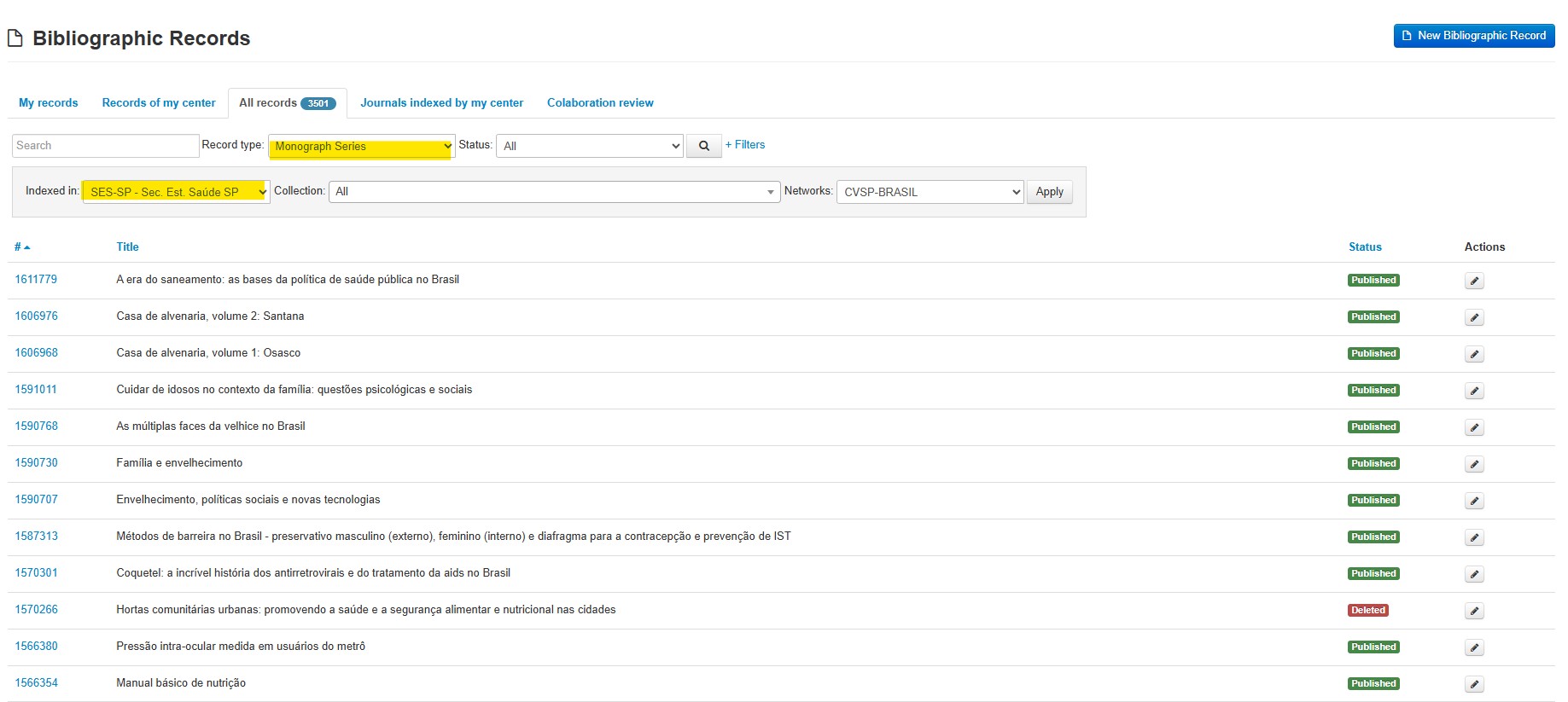
- e-BlueInfo Collection or Cluster
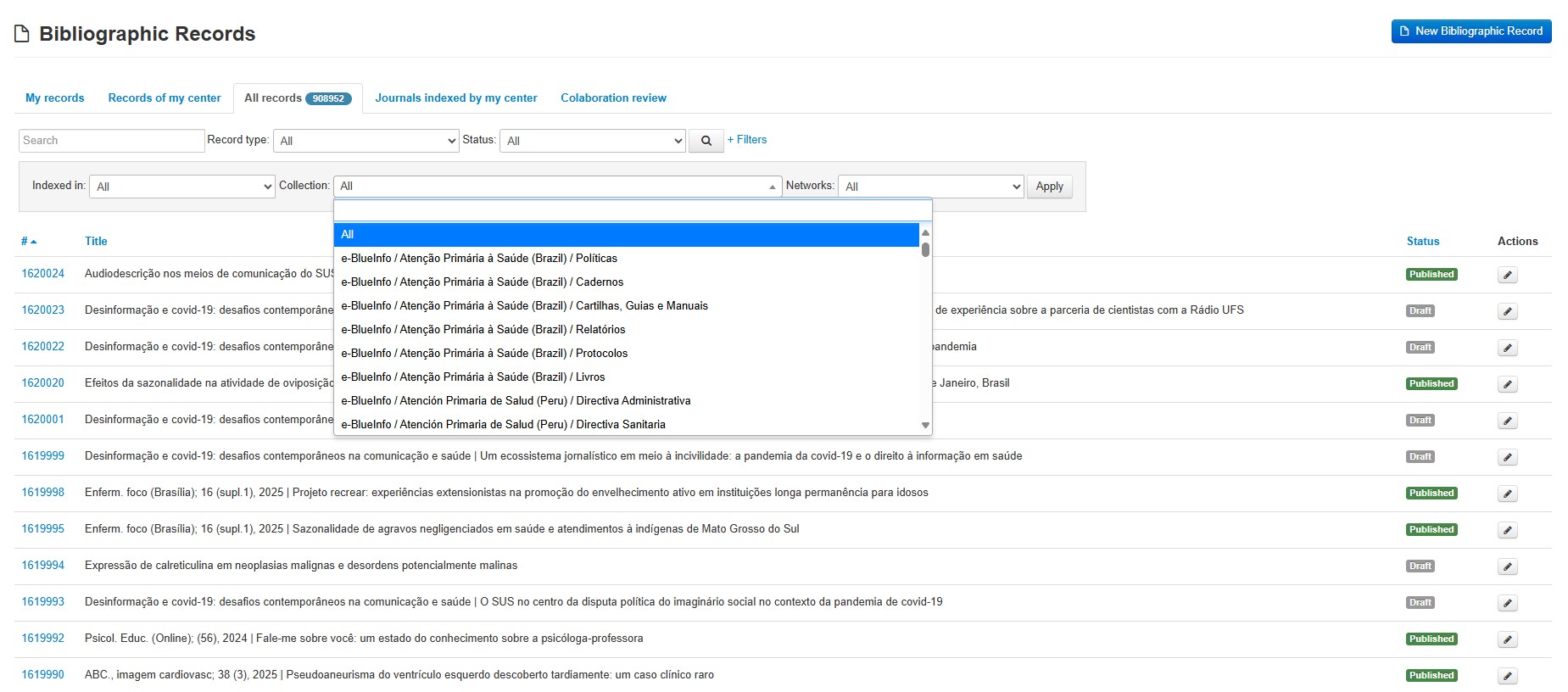
Collections created especially for e-BlueInfo or for a database. Displays the number of records tagged for each of the collections created.
- Networks
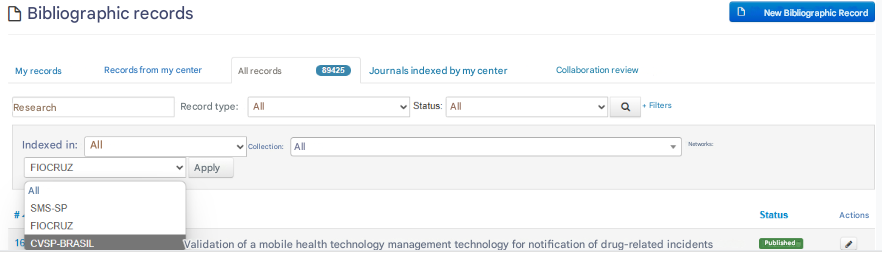
Filter created specifically for the Open Educational Resources Network of Brazil within the Virtual Campus for Public Health. The other options are not currently in effect.