

Access to certain information sources and system functionalities is based on the commitment made by the institution (Cooperative Center) with the national or thematic coordination, as well as on the knowledge of the methodology for managing the information source.
If the user is going to cooperate only with bibliographic databases, they will have access exclusively to this information source: Bibliographic records.
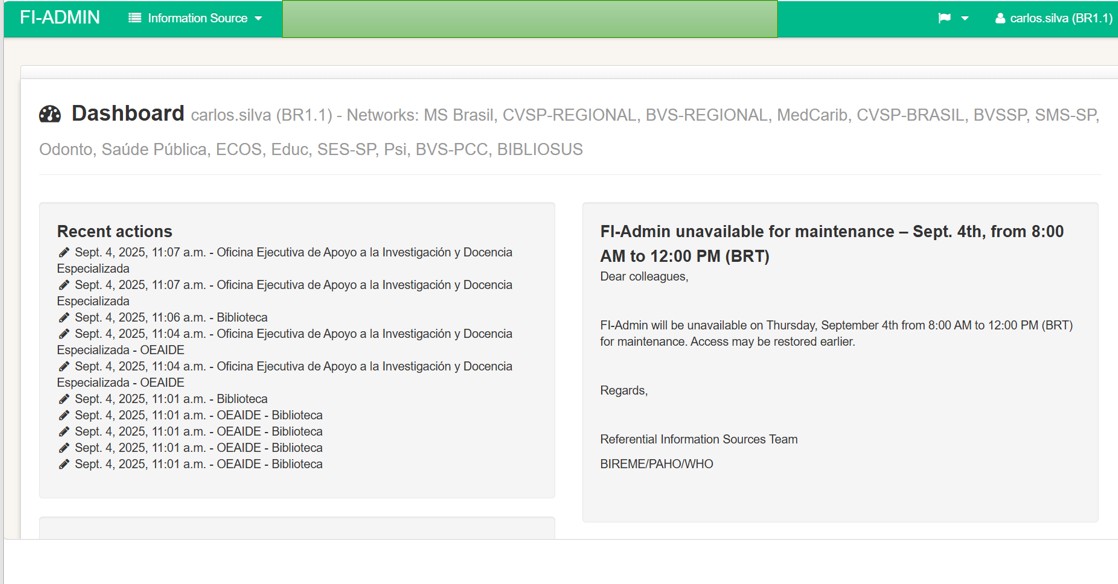
The role performed by the user and their knowledge of the LILACS Methodology define the level of permission they have, with the profiles presented in ascending order:
-
LILACS-Express Editor: Allows the quick publication of minimum data about the document and provides access to the full text. Intended for editors and members of editorial teams.
-
Documentalist: Enables the creation of a complete bibliographic record, but does not allow editing of published records.
-
Editor: Allows the creation and updating of any bibliographic record managed in the system.
Comparative table of user profiles
| Action | LILACS-Express Editor | Documentalist | Editor |
|---|---|---|---|
| Create new bibliographic record | ✔ LILACS-Express Status | ✔ Published Status | ✔ Published Status |
| Attach full text (PDF) | ✔ | ✔ | ✔ |
| Edit records from their own institution | ✔ If Draft status | ✔ If Draft status | ✔ |
| Index records with DeCS | ✘ | ✔ | ✔ |
| Publish records | LILACS-Express Status | ✔ | ✔ |
| Review records from other centers | ✘ | ✘ | ✔ |
| Manage users and collections | ✘ | ✘ | Advanced User |
| Delete records | Created by their own user | Created by their own user | Created by their own user |
Each profile is detailed below.