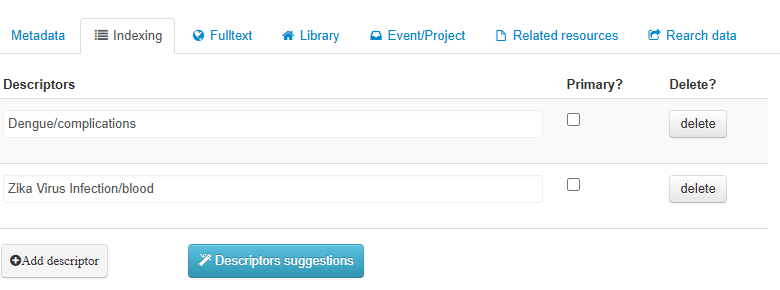
In FI-Admin, fields [87] Primary Descriptor and [88] Secondary Descriptor have been merged into the Descriptors field. The distinction is made by checking or not the “Primary?” option when adding the descriptor.
LILACS Methodology Field:
- Field 87 Primary Descriptor
Guidelines:
Descriptors extracted from DeCS/MeSH to synthesize and represent the main thematic content, the focal point of the document.
How to identify them:
-
Carefully read the title and the objective (usually the last paragraph of the introduction, before Materials and Methods).
-
Confirm in the Results and Discussion sections.
-
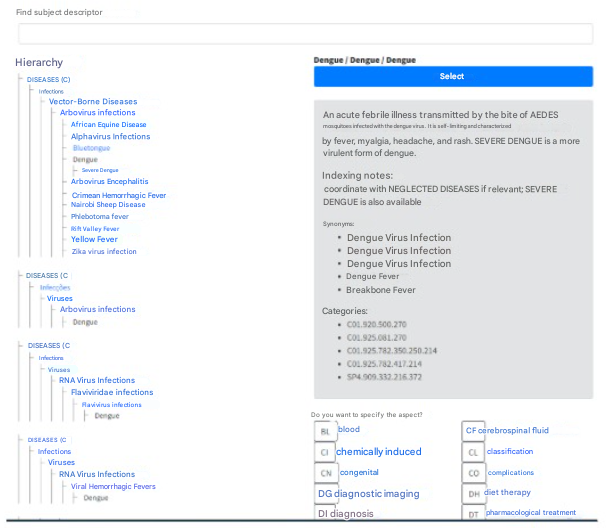
Use DeCS to search for the term. Check the definition in the Scope Note, analyze the hierarchy to understand the concept and look for more specific terms, and read the Indexing Note for instructions and rules of the LILACS Methodology, such as descriptor coordination.
-
Check the “Primary?” option when selecting the descriptor.
-
Add qualifiers (if applicable), according to the DeCS indexing notes.
⚠️ Remember: not every descriptor needs a qualifier — use it only when indicated.
LILACS Methodology Field:
- Field 88 Secondary Descriptor
Guidelines:
These are relevant terms, but less significant for representing the thematic content of a document. They are descriptors used to index subjects that complement or support the understanding of the main theme.
How to identify them:
-
Read the Materials and Methods, tables, figures, and Discussion sections.
-
Extract relevant concepts for indexing:
-
Review the Materials and Methods section (study design, techniques, and equipment used), as well as the Discussion and Results, to check if other diseases, drugs, etc. were discussed and influenced the main subject.
-
Check whether terms such as biopsy, prevalence, acute disease, chronic disease are present in the document, as they should be indexed as secondary descriptors.
-
Check necessary coordinations in the definition and indexing notes.
-
Evaluate elements that influence or provide context to the main study.
Field completion tutorial:
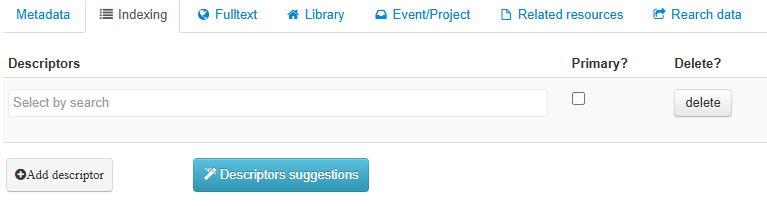
Click in the Descriptors area on “Search Selection” to open the search box and identify the descriptors and qualifiers to be used.
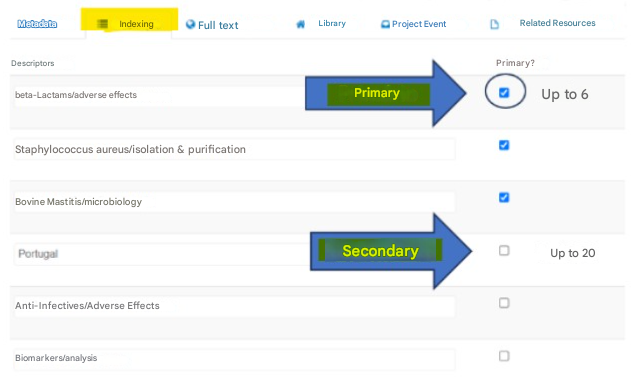
Define whether the descriptor will be primary by selecting the Primary? option.
It is recommended to use a maximum of 6 primary descriptors and 20 secondary descriptors. Add as many descriptors as necessary to properly describe the document’s content.
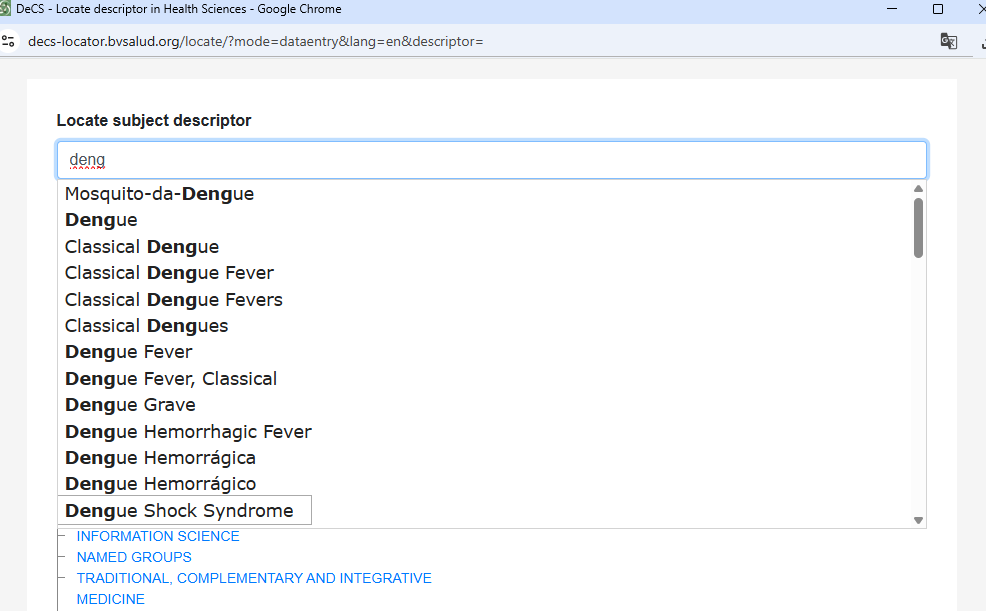
Search by subject. It is not necessary to type the entire descriptor, since as you begin typing, descriptors starting with the entered letters will be displayed.
To use the descriptor in your indexing, click the “Select” button; and to use the descriptor with a qualifier, click directly on the buttons with the qualifier abbreviations:
The result will look similar to the image below: